
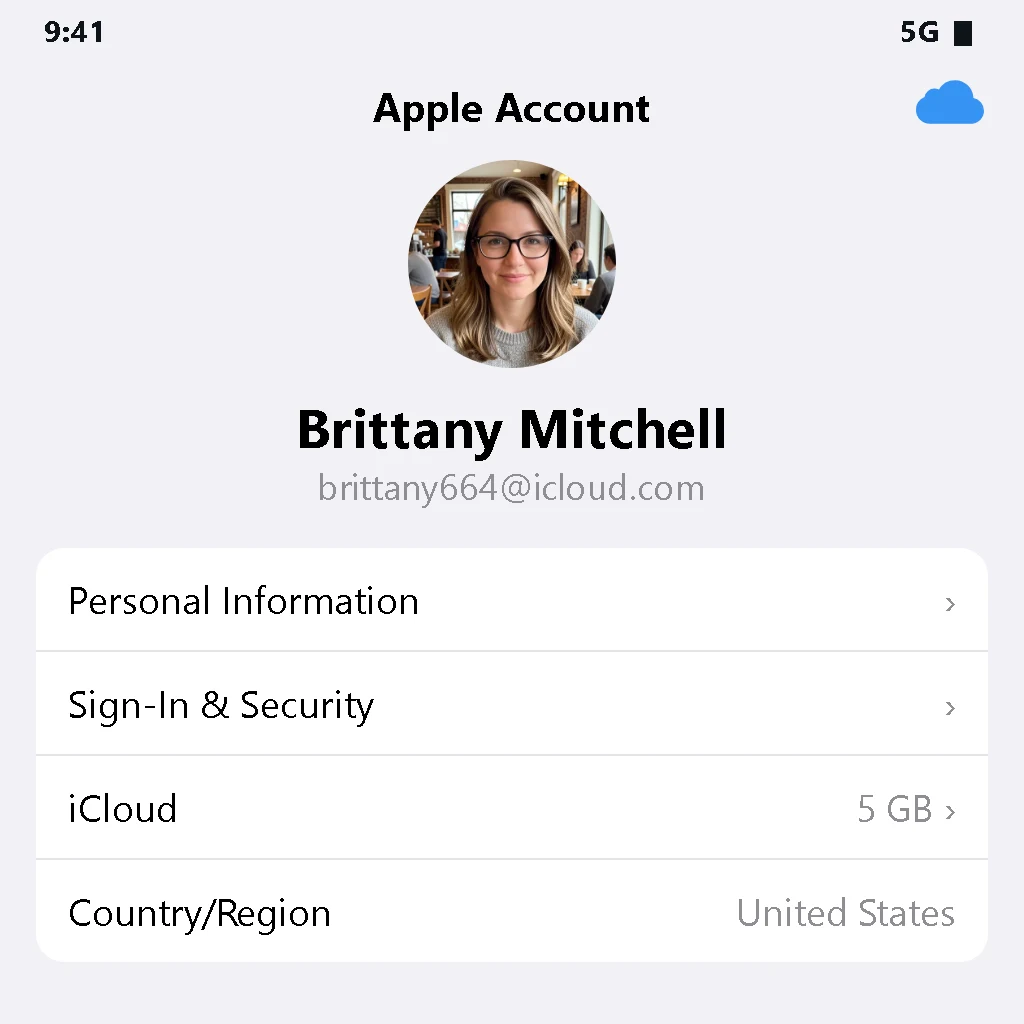
Apple ID | USA | 2FA | iCloud 5 GB | App Store | API for Codes
9 in stock
🌐 Region ID: United States
🆕 Condition ID: new, unused
☁️ iCloud: enabled (5 GB of storage)
✅ App Store: verified, apps available for download
📦 Delivery format: account ---- password ---- SMS API ---- Device API
Password reset link: https://account.apple.com/
II. Login Instructions
After entering your credentials, the system will prompt you to enter a verification code. Open the provided API link in your browser to obtain the verification code and log in. After logging in to the official website, you can replace the linked number with your own mobile phone number.
III. Account Description
Verification Method: [Device-Based Verification]
1. Basic Principle of Device-Based Verification
Once created, the account is permanently linked to a dedicated virtual device, which maintains a persistent login session. When you initiate a login using your credentials, the process works as follows:
The virtual device receives your login request in real time and automatically approves it.
At the same time, the required verification code is sent to the specified API interface.
All you need to do is open the API interface in your browser, retrieve the verification code, and enter it to complete the login.
2. Key features of device-based verification accounts
No security questions or recovery information: when creating an account, no security questions or recovery information were set up; security relies entirely on the account password.
Restrictions on the linked phone number: Although the phone number is linked to the ID, it is used only for initial verification. It cannot receive standard verification codes via SMS; the number is not visible and has no other functions.
3. Important guidelines for managing your account — be sure to read
Recommended steps after purchase for personal use:
First, go to the official Apple account management page: https://account.apple.com/.
Update the associated phone number on the official website—replace it with your personal number that you use regularly.
Make sure the new number is successfully linked, and only then change your password to avoid login issues in the future.
Recommended products
Apple ID Accounts
Exclusive | Security Questions | Password Changeable
$12.64/ account
Seller 4.4
Apple ID Accounts
Apple ID - Japan 🔥🔥 Exclusive Permanent Old Account - Registration Time: Over 5 Years (Can Download Apps) (High-Quality Apple ID Recommended) Can Bind Phone Number and Change Password 🔥🔥🔥 - Apple ID - USA 🔥🔥 Exclusive permanent old account - Registered 5+ years ago (apps downloadable) (High-quality Apple ID recommended) Phone bindable, password changeable 🔥🔥🔥
$5.04/ account
Seller 4.4
Apple ID Accounts
Autoreg 2026 | Aged 10+ Days | US IP | Gender Mix | With 2FA
$4.74/ account
Seller 3.9
Apple ID Accounts
Email:Password:Number:Code Link
$11.08/ account
Seller 4.0
Apple ID Accounts
@gmail | 2FA | US
$4.91/ account
Seller 3.8
Apple ID Accounts
Live 7+ Days | 2FA
$0.60/ account
Seller 3.5Recent reviews
- ★★★★★10/15/2026
Fast delivery and worked as described.
- ★★★★★10/14/2026
Smooth checkout, account credentials arrived quickly.
- ★★★★★10/13/2026
Good quality account, no issues so far.
- ★★★★★10/11/2026
Exactly what I needed for my project.